
YoursToWear

A digital closet

Your wardrobe. Working for you.

A digital closet for the clothes you already own. Build looks, plan the week, and pack a trip without buying a thing.

Scroll

The closet

Your entire wardrobe. In one place.

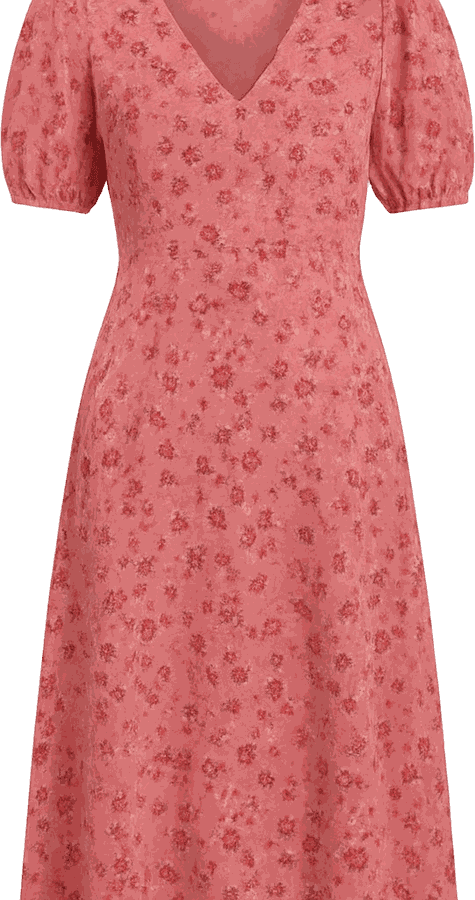
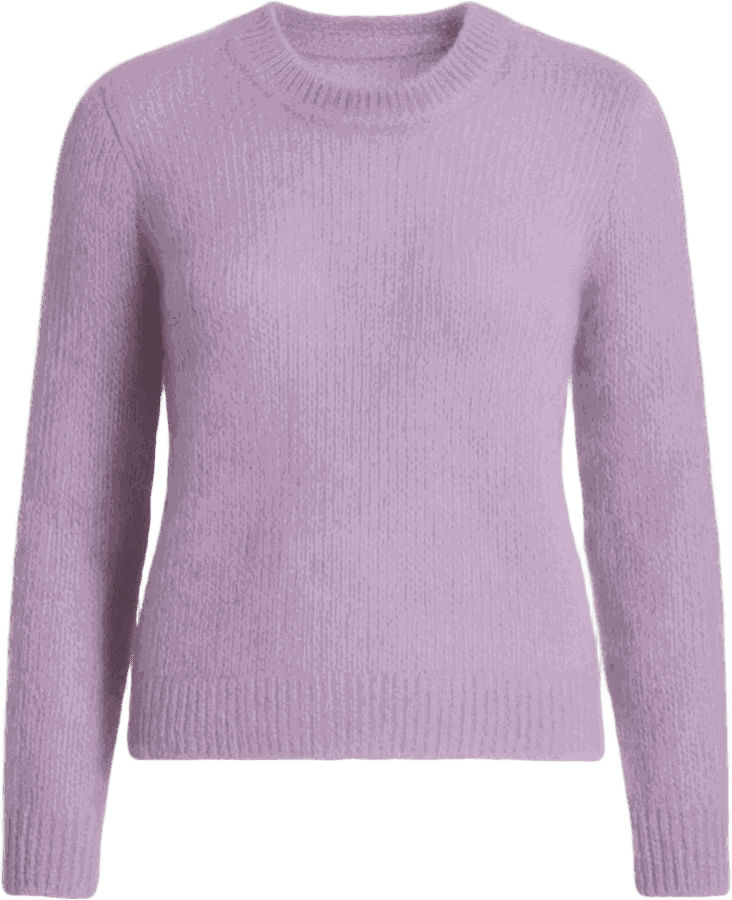
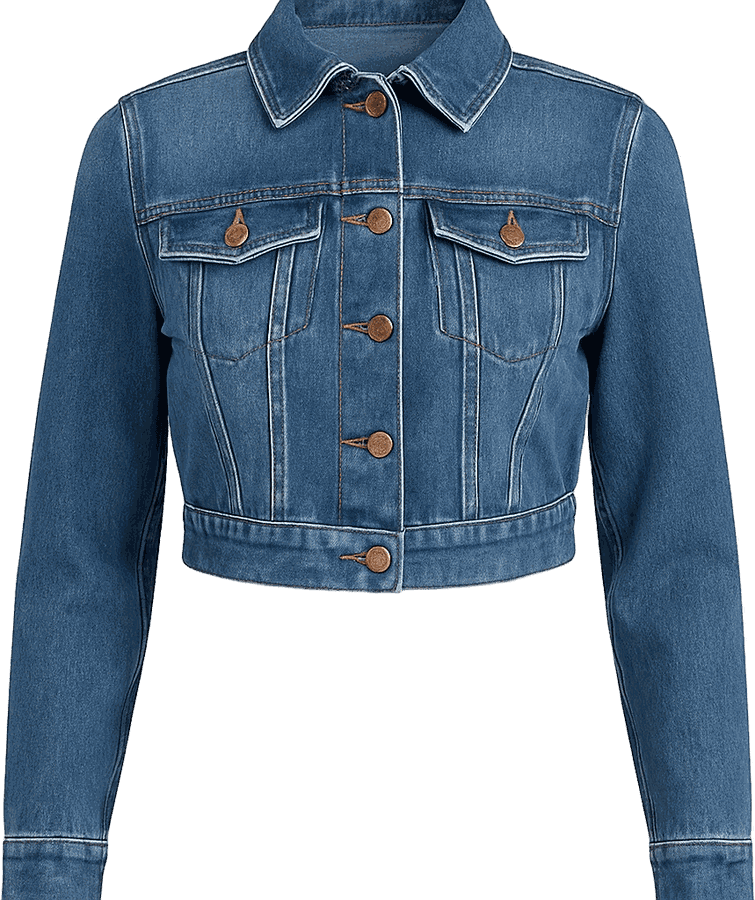
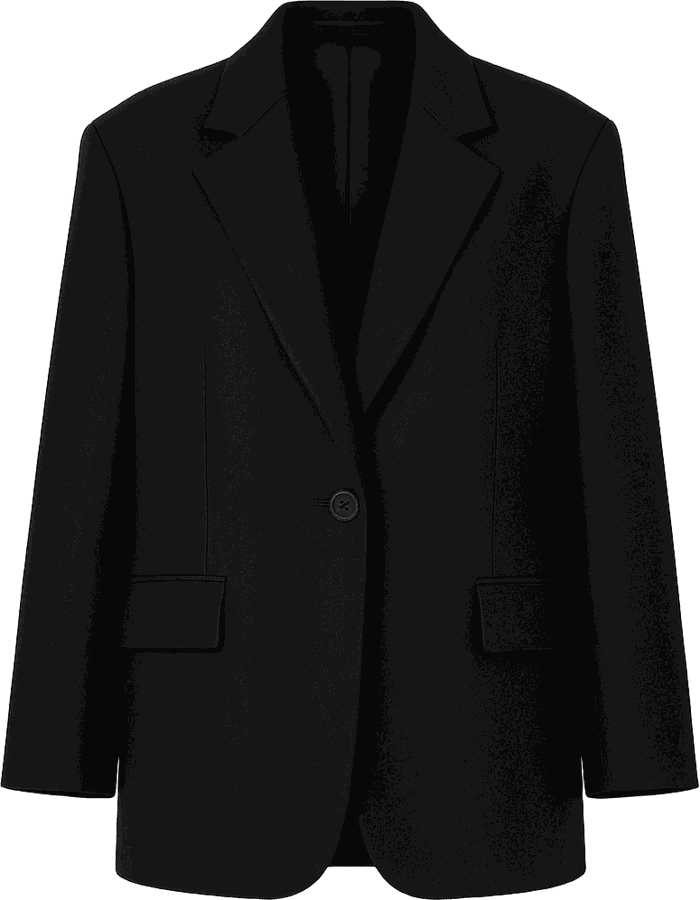
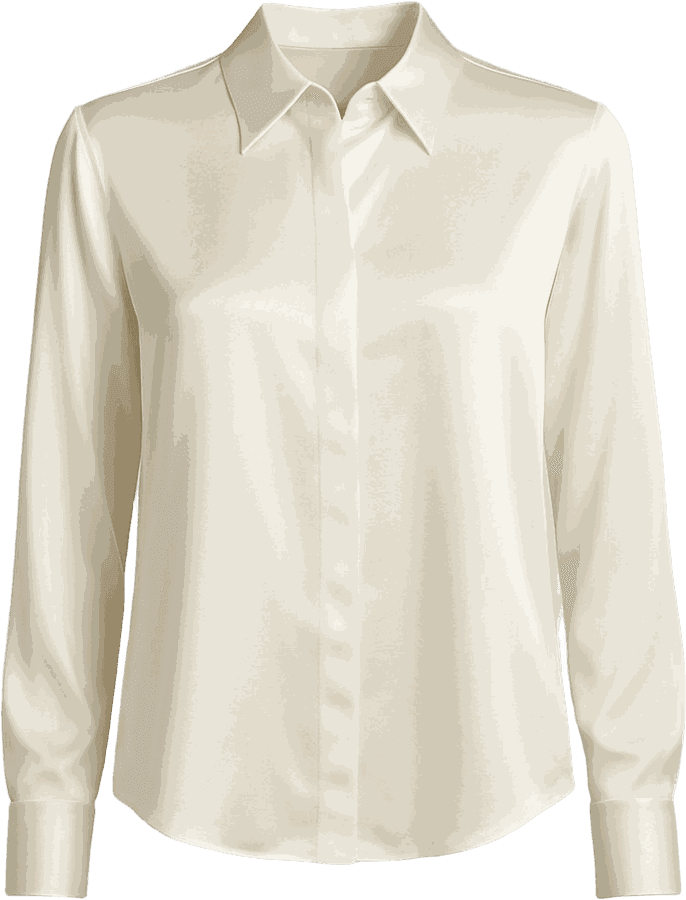
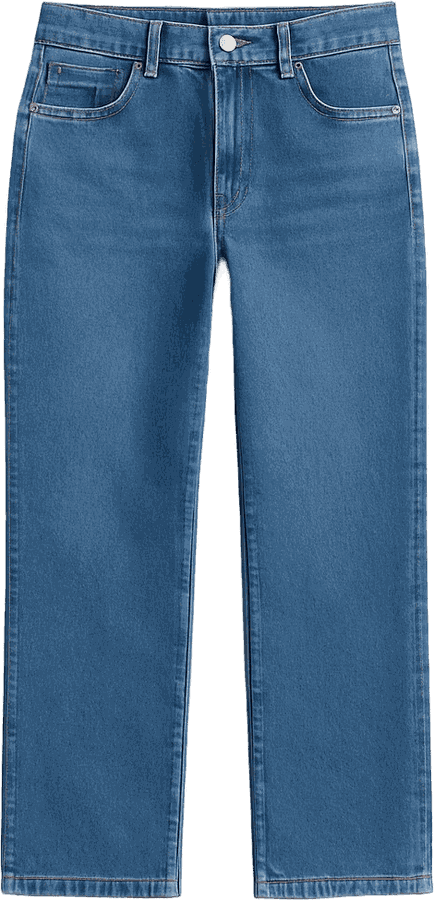
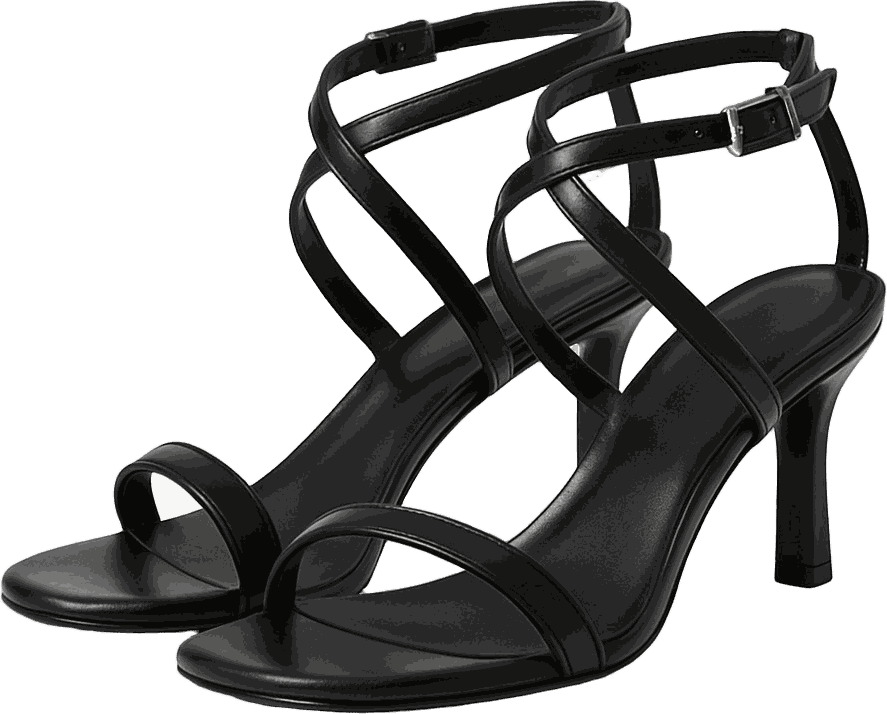
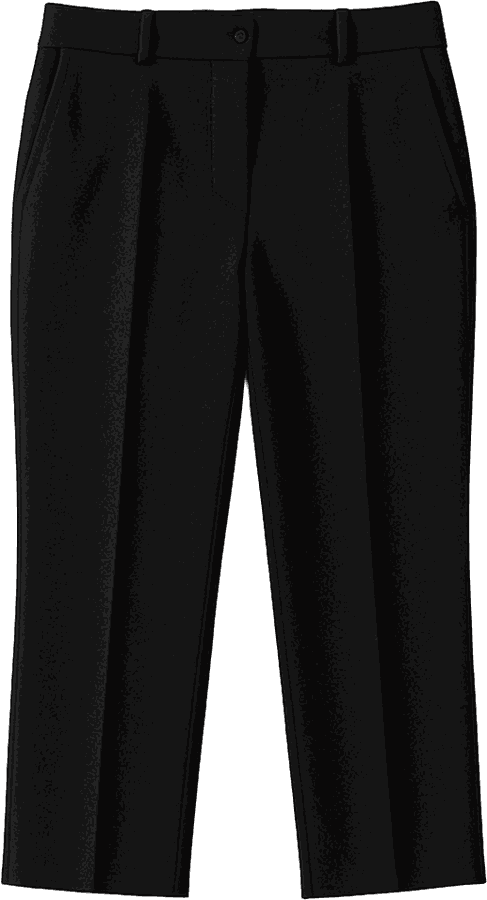
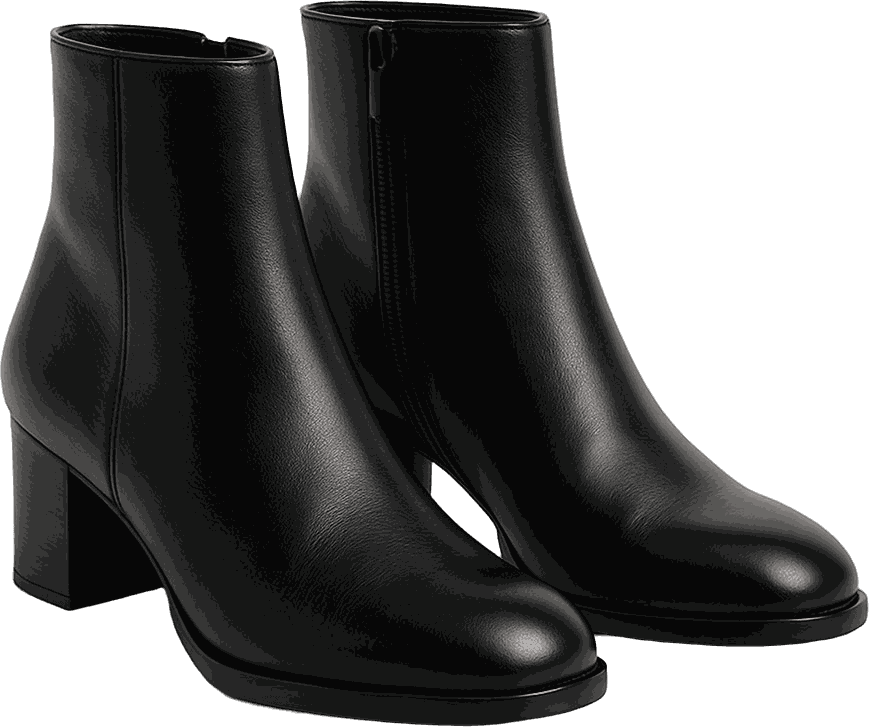
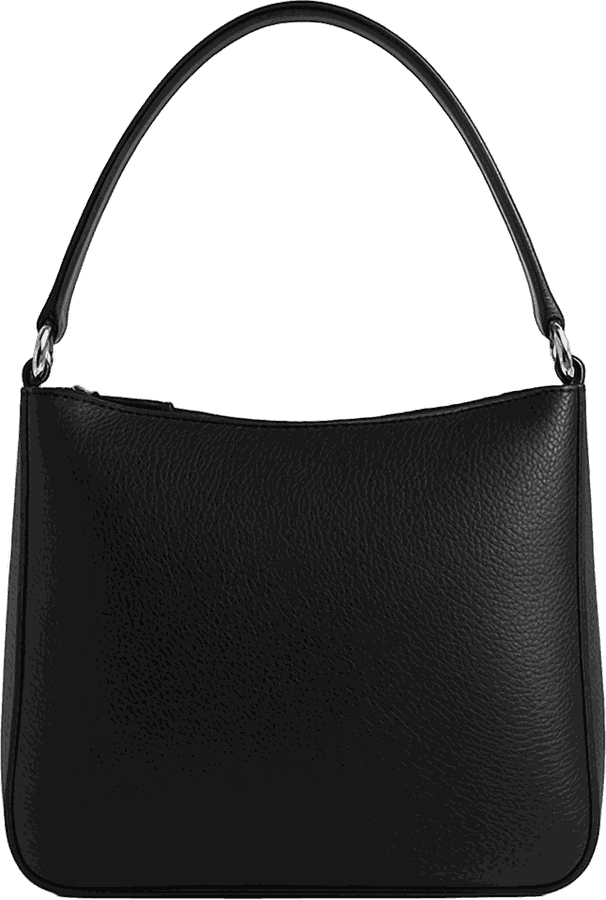
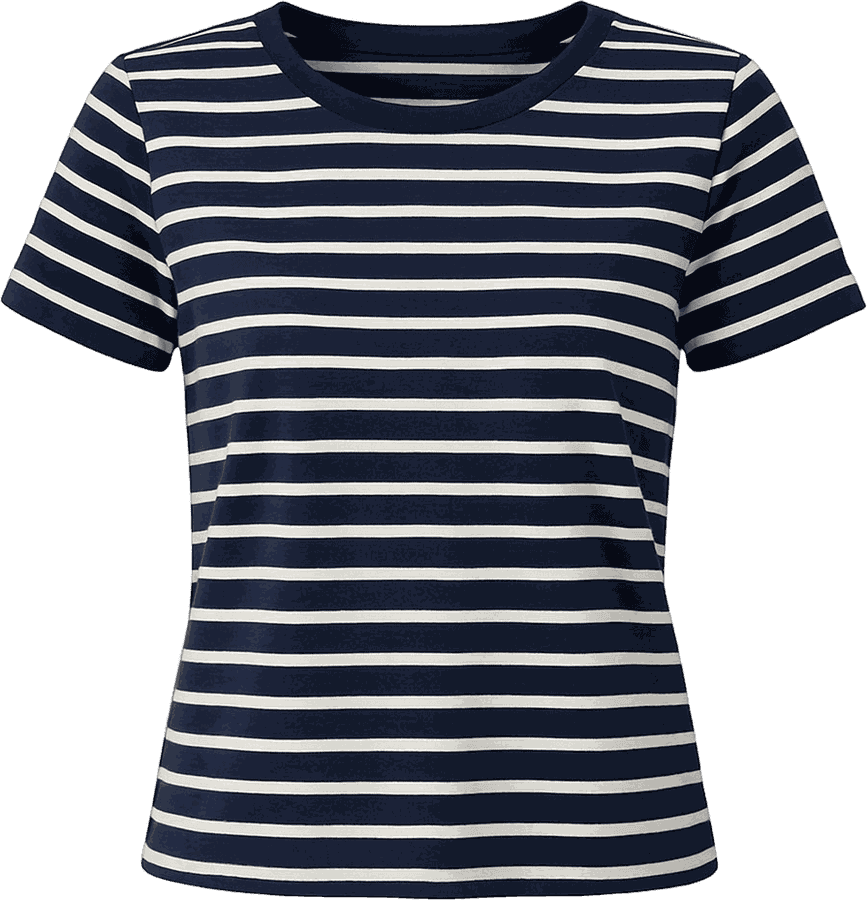
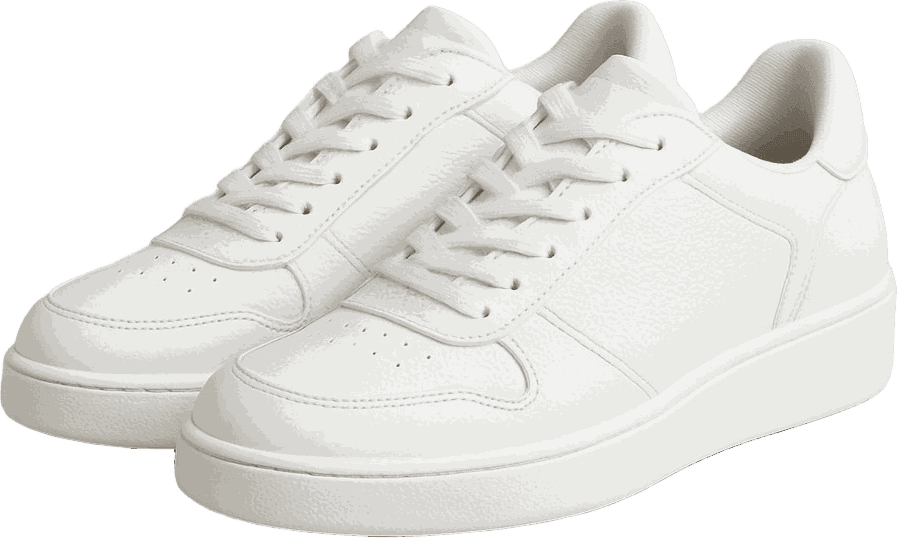
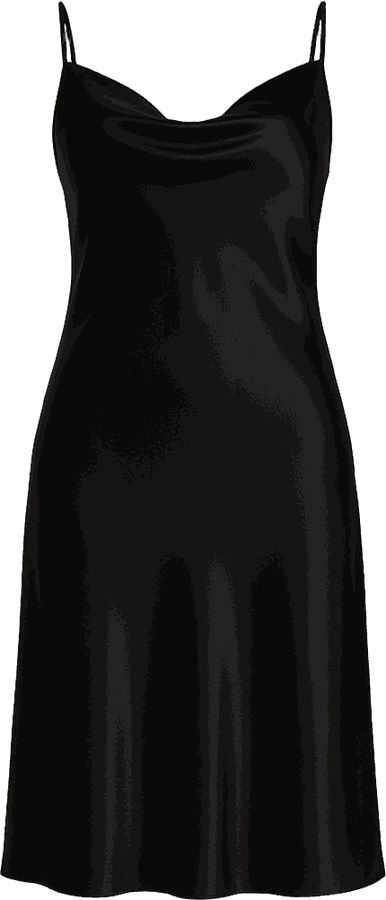
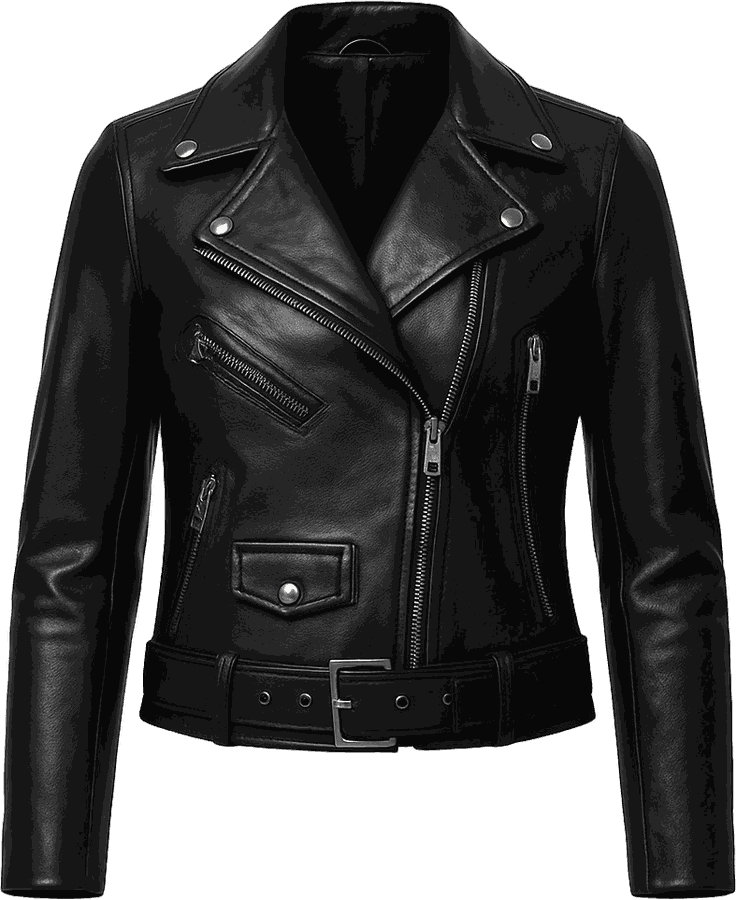
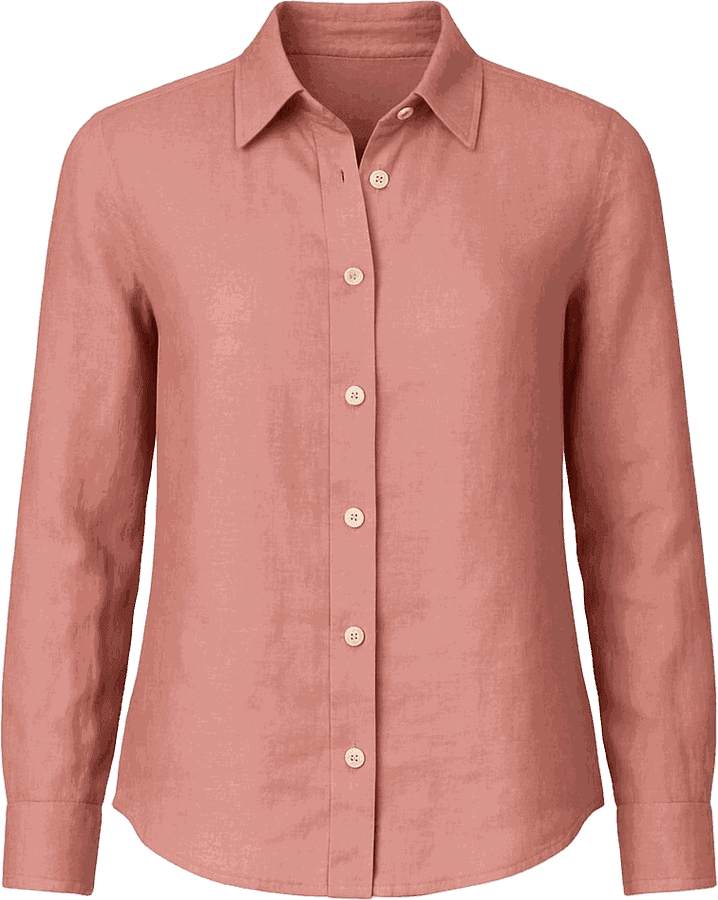
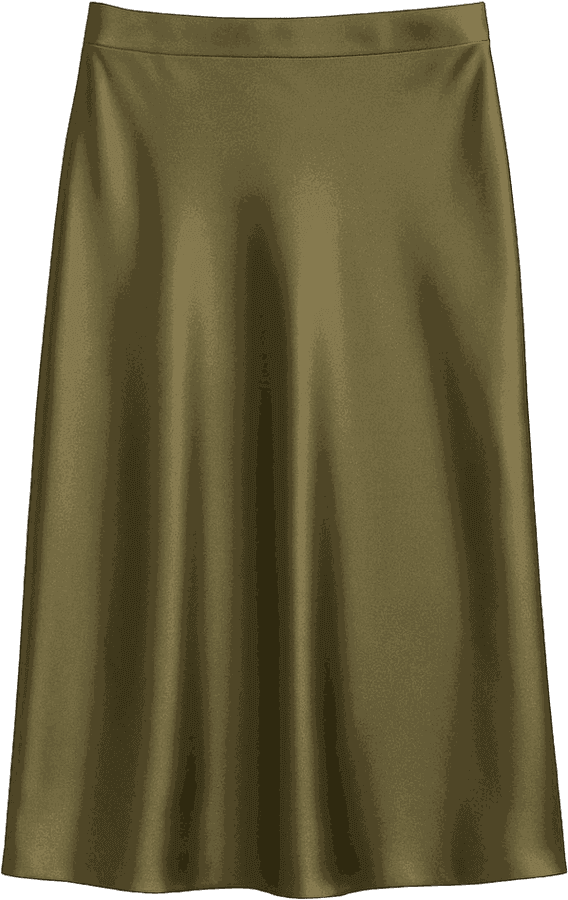
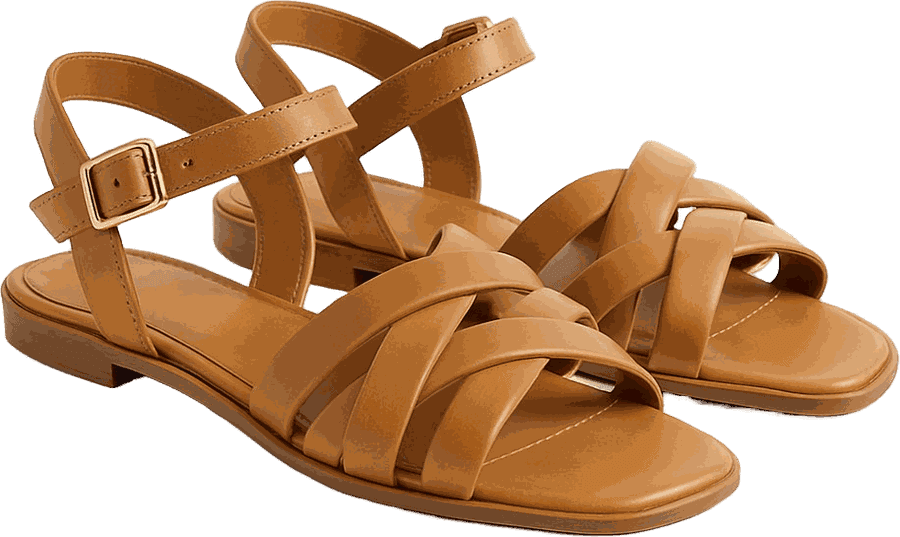
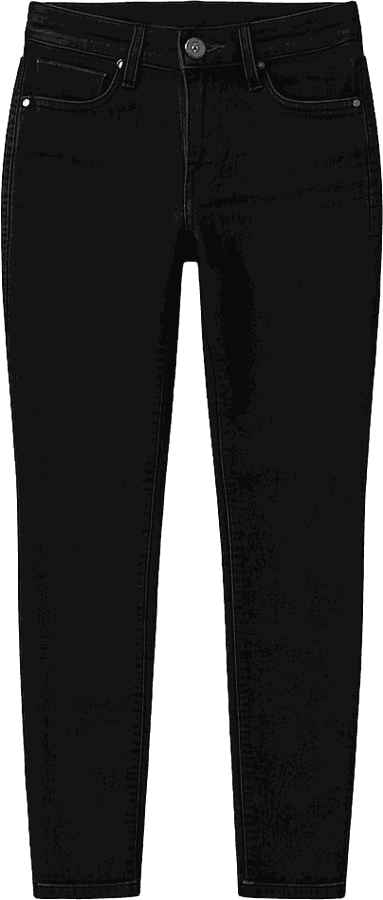
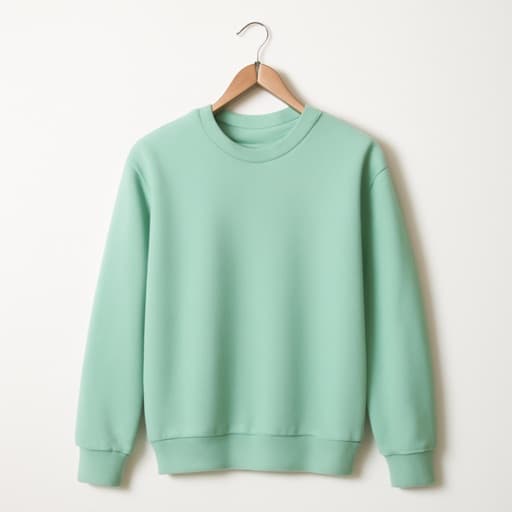
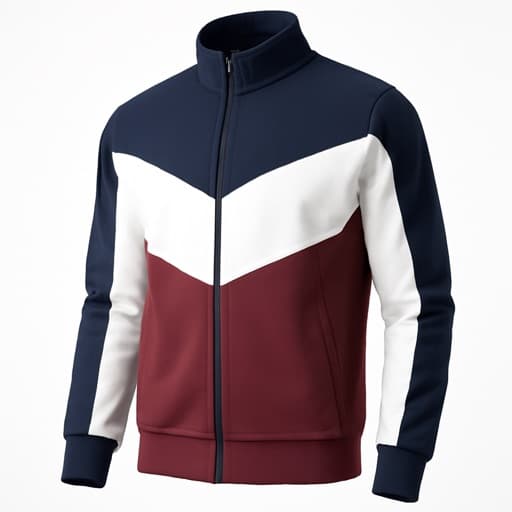
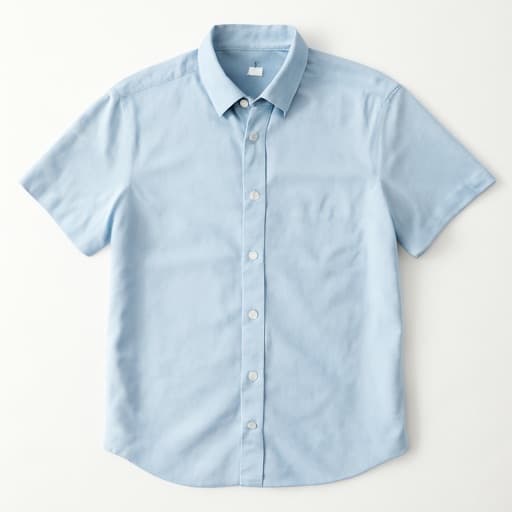
Photograph a piece and the background falls away. Brand, colour, material and cut fill themselves in — you just confirm.

Collage · Dressing Room

Don't just store clothes. Wear them.

Lay a look out on the canvas, or dress a figure from your real wardrobe. Drag, scale, layer, arrange — then save it to your outfits.

Occasions

One wardrobe. Every occasion.

Every look carries the occasions it answers to, so the outfit you need on a Tuesday morning is one tap from the one you need on Friday night.

Calendar

See what you've worn. Plan what comes next.

Put looks on the days you'll wear them, and keep a record of what you actually wore. Planning never counts as a wear.

Trips

Pack smarter. Bring less. Wear more.

A destination, a date range, and a look for every day of it — built from the clothes already hanging in your closet.

Beautify

Your wardrobe. Looking its best.

A photograph taken on your bedroom floor, returned as a product shot. Ghost mannequin, flat lay, or just the wrinkles out.

Virtual Try-On

See it before you wear it.

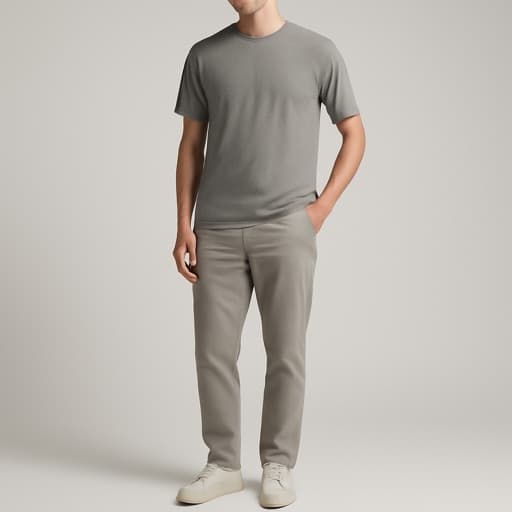
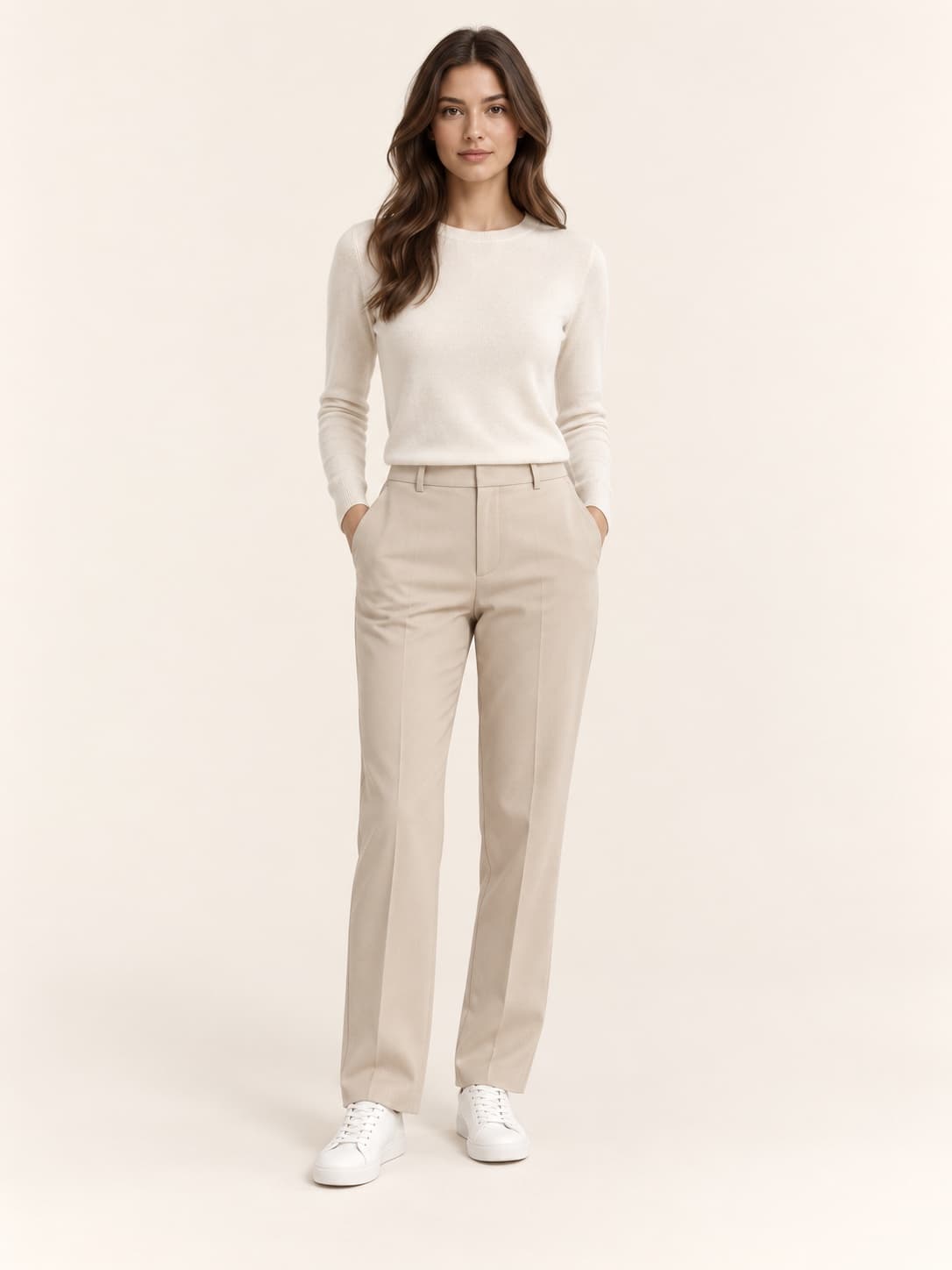
Choose a model, a pose and a scene. The look you built comes back worn.

Yours

Built around your wardrobe. Built around you.

Your colours, your most worn, and the pieces you've stopped reaching for. Every number comes from your own closet or it isn't shown.

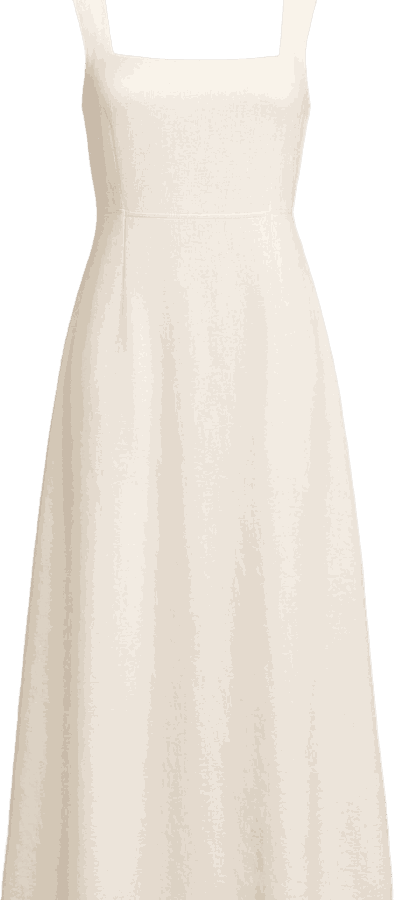
And your wardrobe is about to get smarter.

Aria — coming next

Questions

Answered, before you ask.

Your wardrobe and your data

Where is my wardrobe kept?

On your phone. Your clothes, looks, calendar, trips and profile are stored by the app on the device itself. There is no account, no sign-in, and nothing is backed up to a server you could log into.

There is no public profile and no feed. Nobody else can see your closet.

I have a new phone. Can I move my wardrobe across?

Not yet. Because everything is kept on the device and there is no account, the app has no transfer or export of its own. A wardrobe built on one phone stays on that phone.
If this is blocking you, write to us — it is the kind of thing we want to hear about before deciding how to build it.

How do I delete everything?

Profile → Settings → About & privacy → Delete all my data. It asks once, then removes your closet, looks, trips, calendar, profile and the photos the app saved, and starts again at first-run setup. There is no undo.

It does not touch your subscription or your credits. Those are handled by Apple, and a subscription is cancelled in iOS Settings rather than here.

Deleting the app removes the rest.

Why does a photo leave my phone?

Only the AI features send anything, and only when you start one. Cutting out a garment, Beautify, and Try on all send the photo you chose to be worked on, and Try on may also send the optional body details you entered so the result resembles you.

The full account of what is sent, to whom, and what is never sent is on the privacy page.

Pro, credits and payment

What can I do without paying?

Adding clothes is free, including the cutout and the description that fills itself in — up to five active pieces. Archiving or deleting a piece gives a slot back.

Putting looks together in Collage and the Dressing Room is free up to three saved outfits. Planning a trip is free, and so is its destination picture.

What do credits pay for?

The AI actions that generate a picture — Try on and Beautify. The app shows what an action costs beside your balance before it runs, so you always see the price first.

A subscription includes an allowance, and extra credits are sold as packs.

How do I cancel, or get a refund?

Subscriptions are managed in iOS Settings, not in the app — open Settings → your name → Subscriptions, or use the link below.

Refunds are Apple's to give rather than ours. Request one from Apple through reportaproblem.apple.com.

I paid, but the app still says I am on the free plan.
Try Restore purchases on the subscription screen first — that re-reads what Apple has on record for your Apple Account.

If it still does not appear, write to us with the date of the purchase and we will look it up.

Manage subscriptionsRequest a refund from AppleApple’s licence agreement

Using the app

A cutout or a try-on failed.

AI actions need a connection, and they can fail — the provider may be busy, or the photo may be one it cannot read. Trying again is usually enough, and a failed action should not spend a credit.

Photographs taken against a plain background, with the garment flat or hanging, come back best.

Why is my closet smaller than I left it?

If a subscription lapses, the closet is trimmed back to the free tier's five active pieces and the outfits library to three. Nothing is deleted — the rest is archived, and resubscribing brings it back.

What languages does the app speak?

English (UK), English (US) and Svenska. It follows your phone by default; Profile → Settings → Preferences → Language changes it.

Requirements

What do I need to run YoursToWear?

An iPhone running iOS 16.4 or later. The app is portrait-only and is not built for iPad.

The AI features need a connection. Everything else — your closet, the calendar, building a look — works offline.

The privacy policy is the full account of what stays on your phone and what the AI features send. Anything else, and support will reach us.

Your wardrobe deserves better.

We'll write when it's ready.